# Signing Up/Logging In
{% tabs %}
{% tab title="Email Login" %}
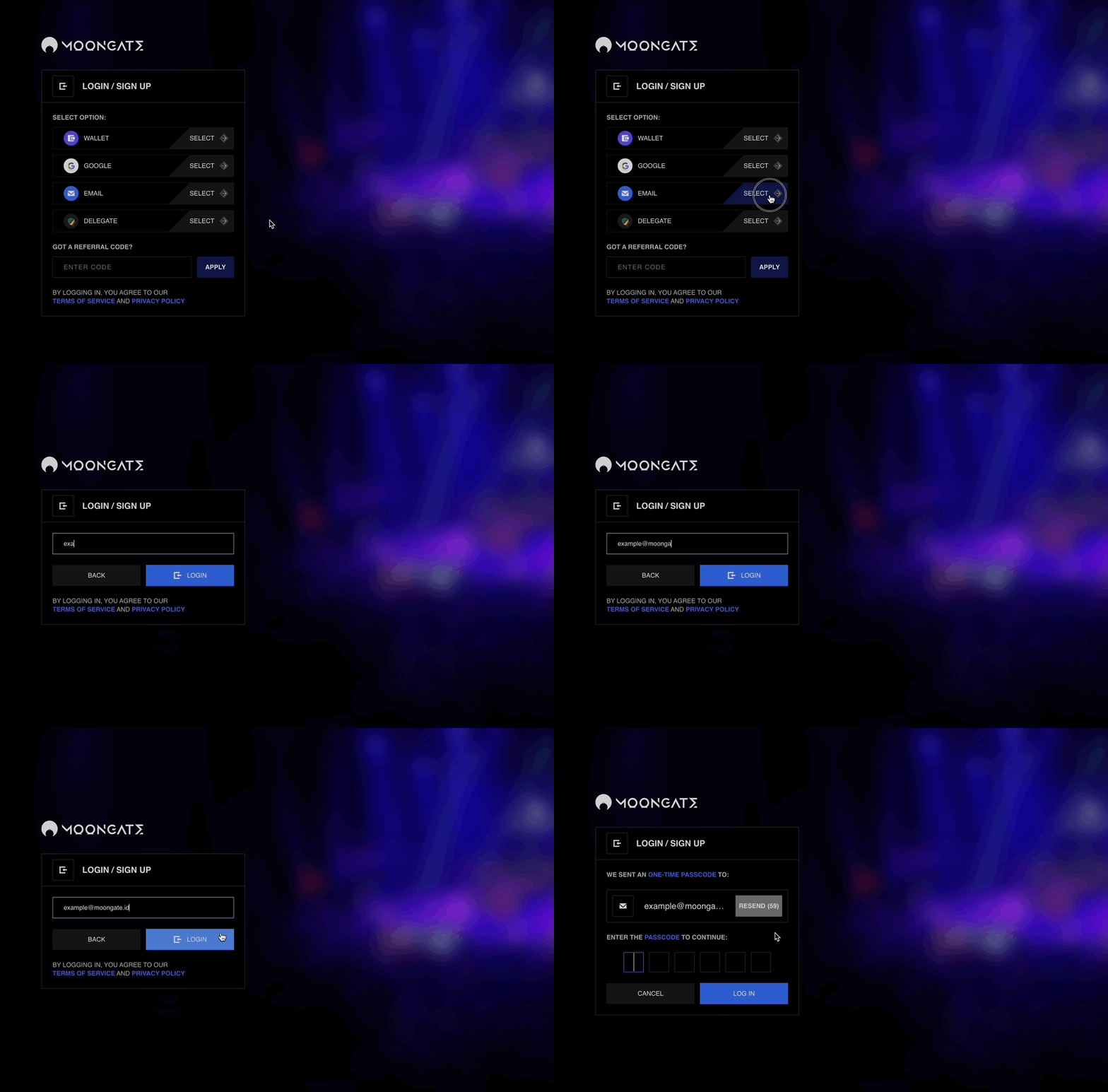
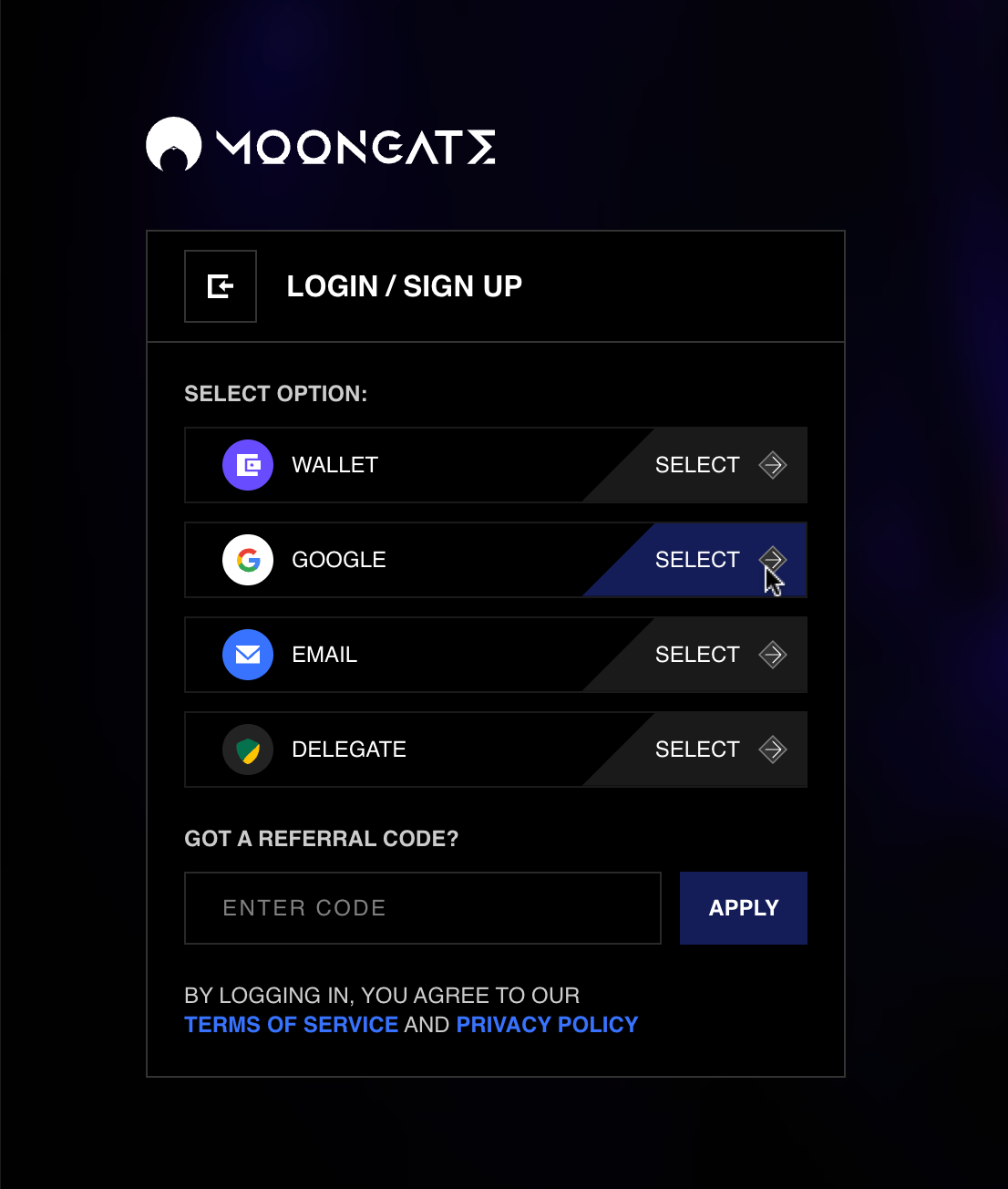
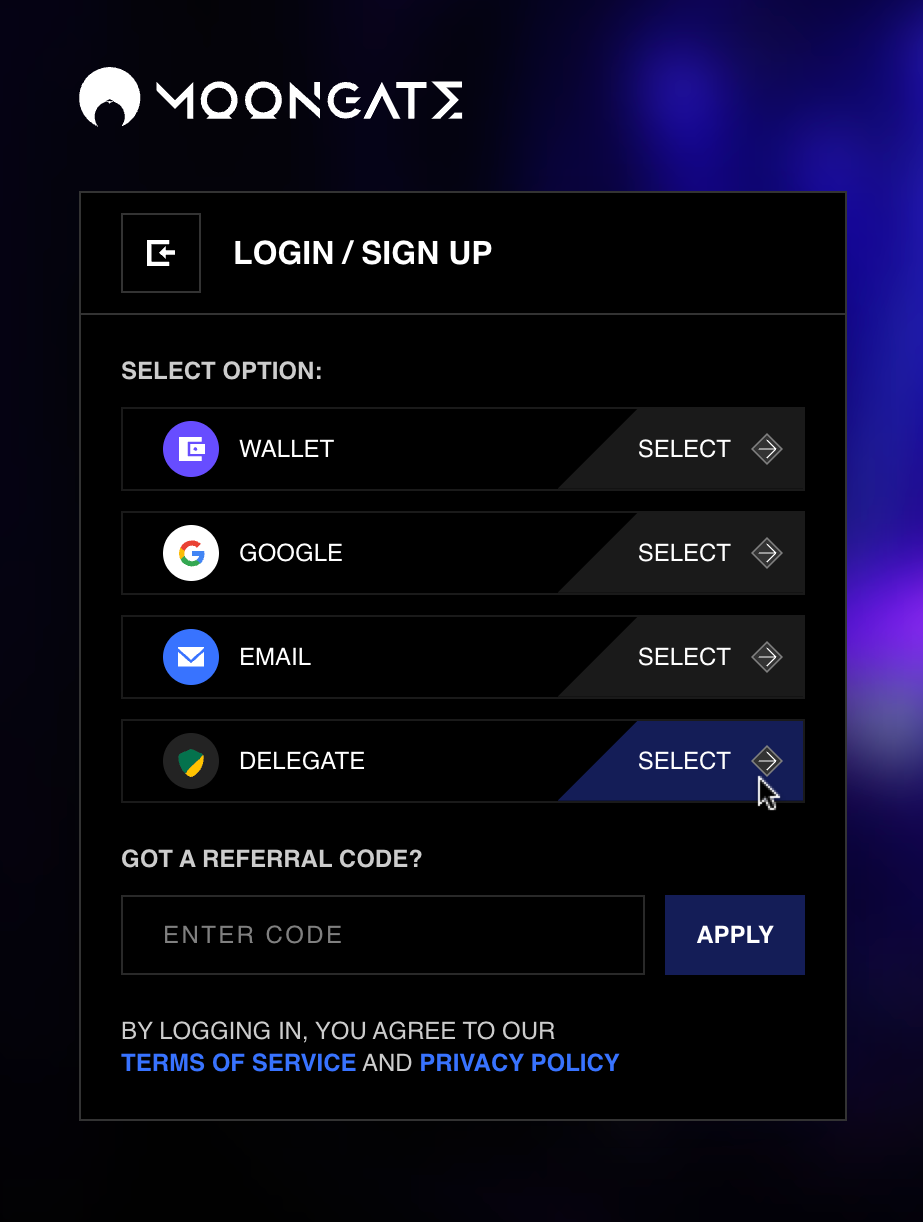
1. **Open the Moongate login/account creation page**
[**https://app.moongate.id**](https://app.moongate.id/)
2. **Enter your email address in the "Email" field.**
3. **Open one-time sign-in link**\
\
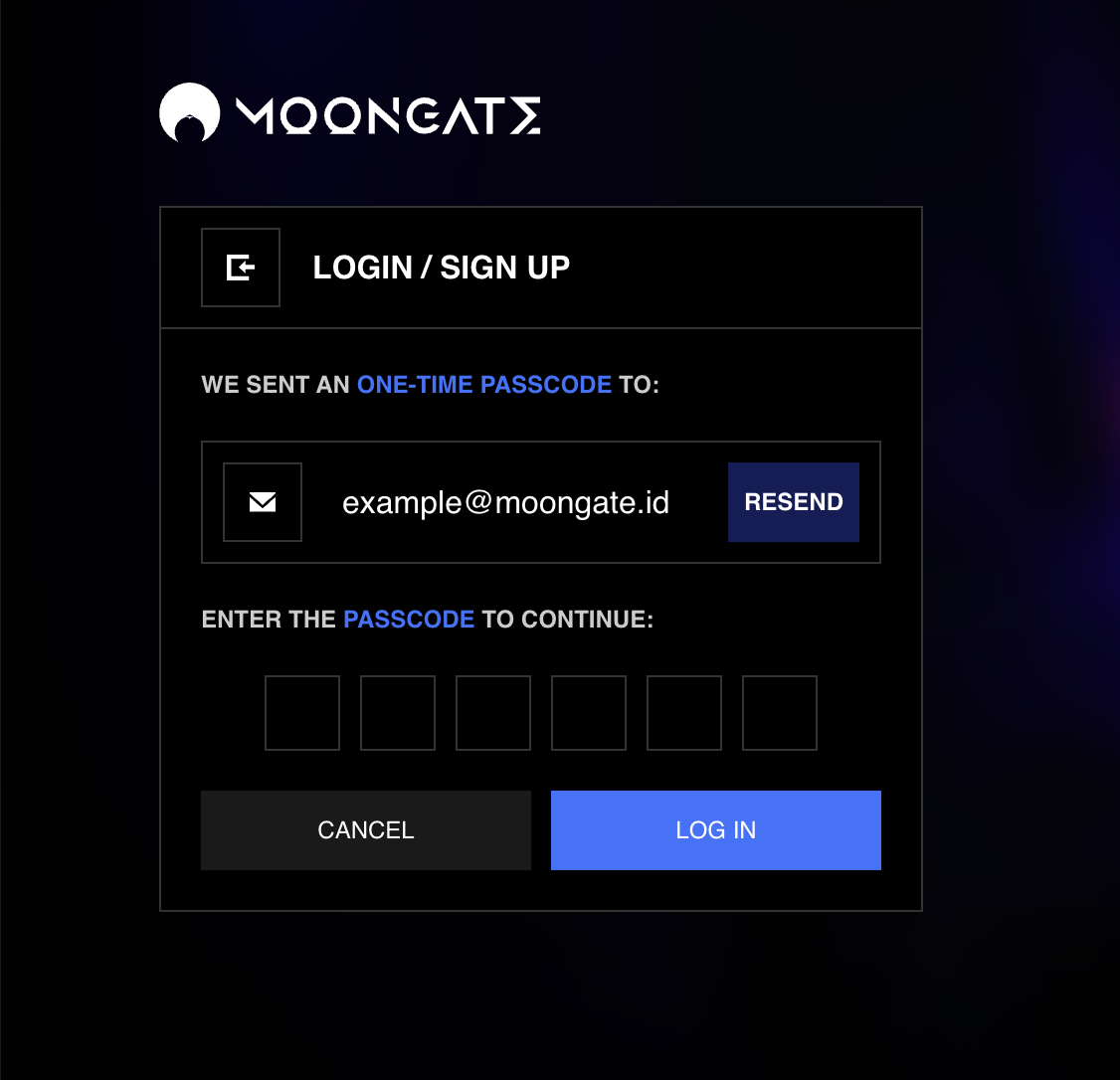
Check your inbox for an email containing a one-time sign-in passcode. Enter the passcode to sign in.
3. **Select a Google account to sign into Moongate with.** \
\
You will be brought to the Google account selection page. Select the Google account that you wish to sign in with. If you are signed into only one Google account, you will automatically be signed into Moongate.
{% endtab %}
{% tab title="Existing Wallet" %}
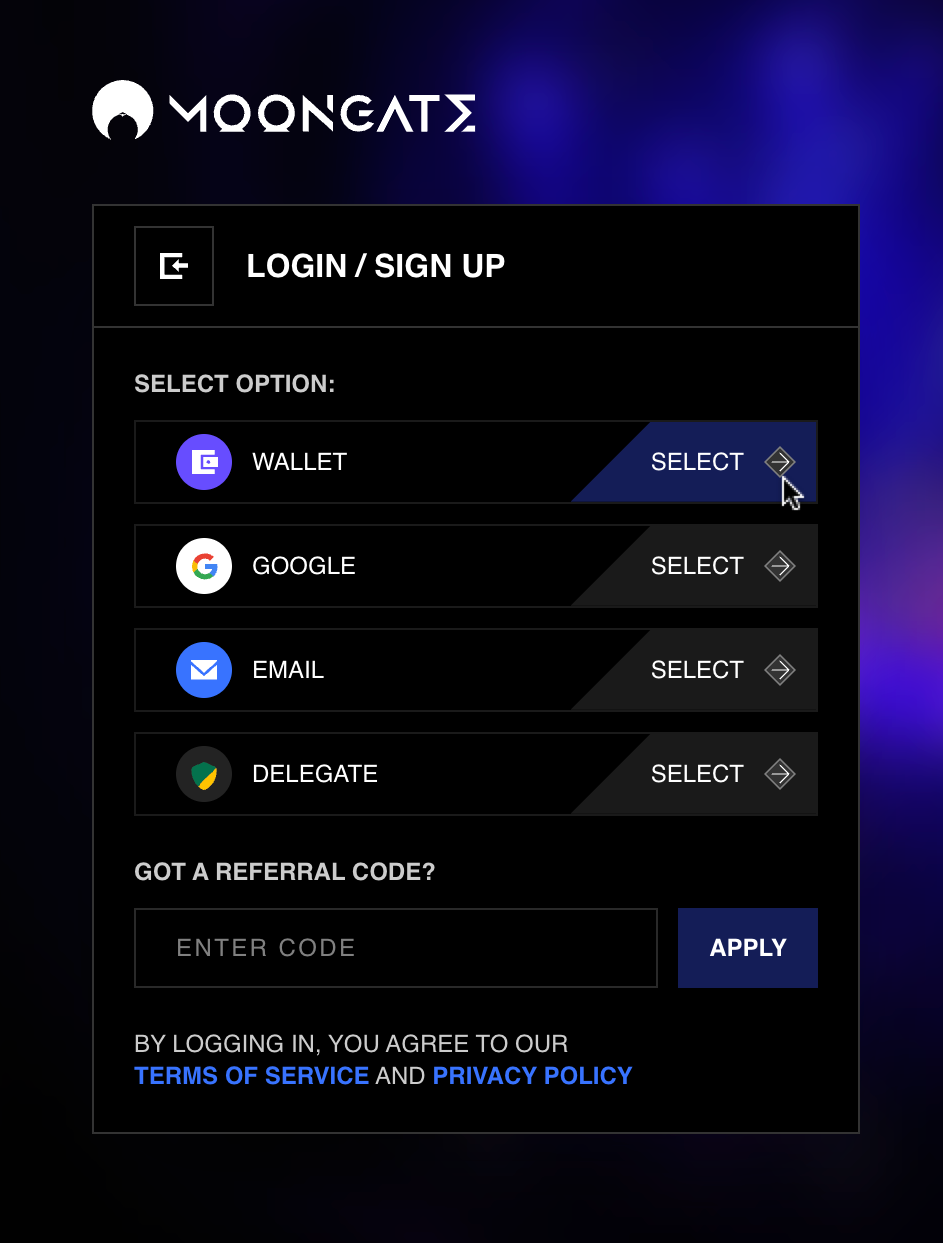
1. **Open the Moongate login/account creation page**
[**https://app.moongate.id**](https://app.moongate.id/)
2. **Select 'Wallet'**
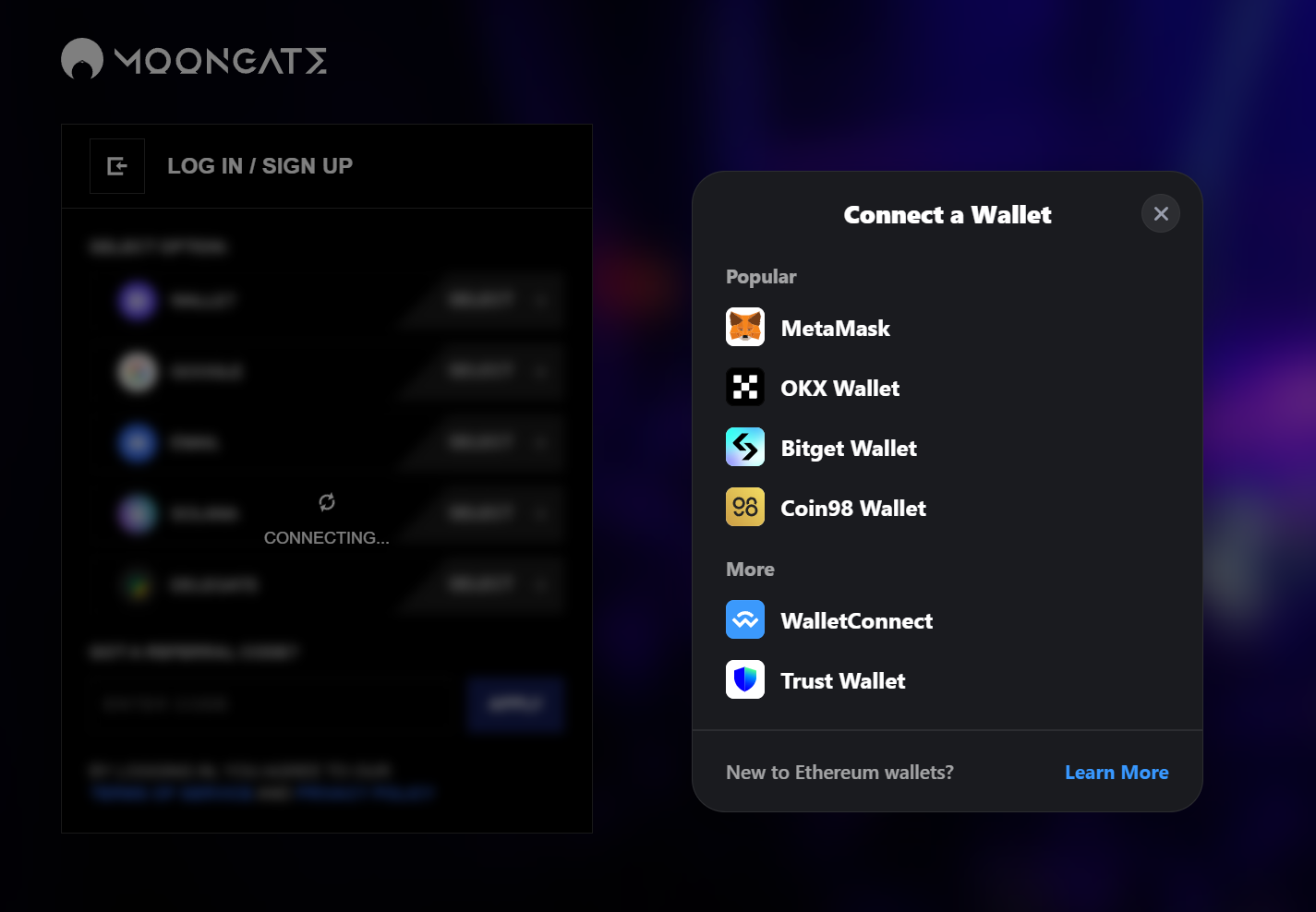
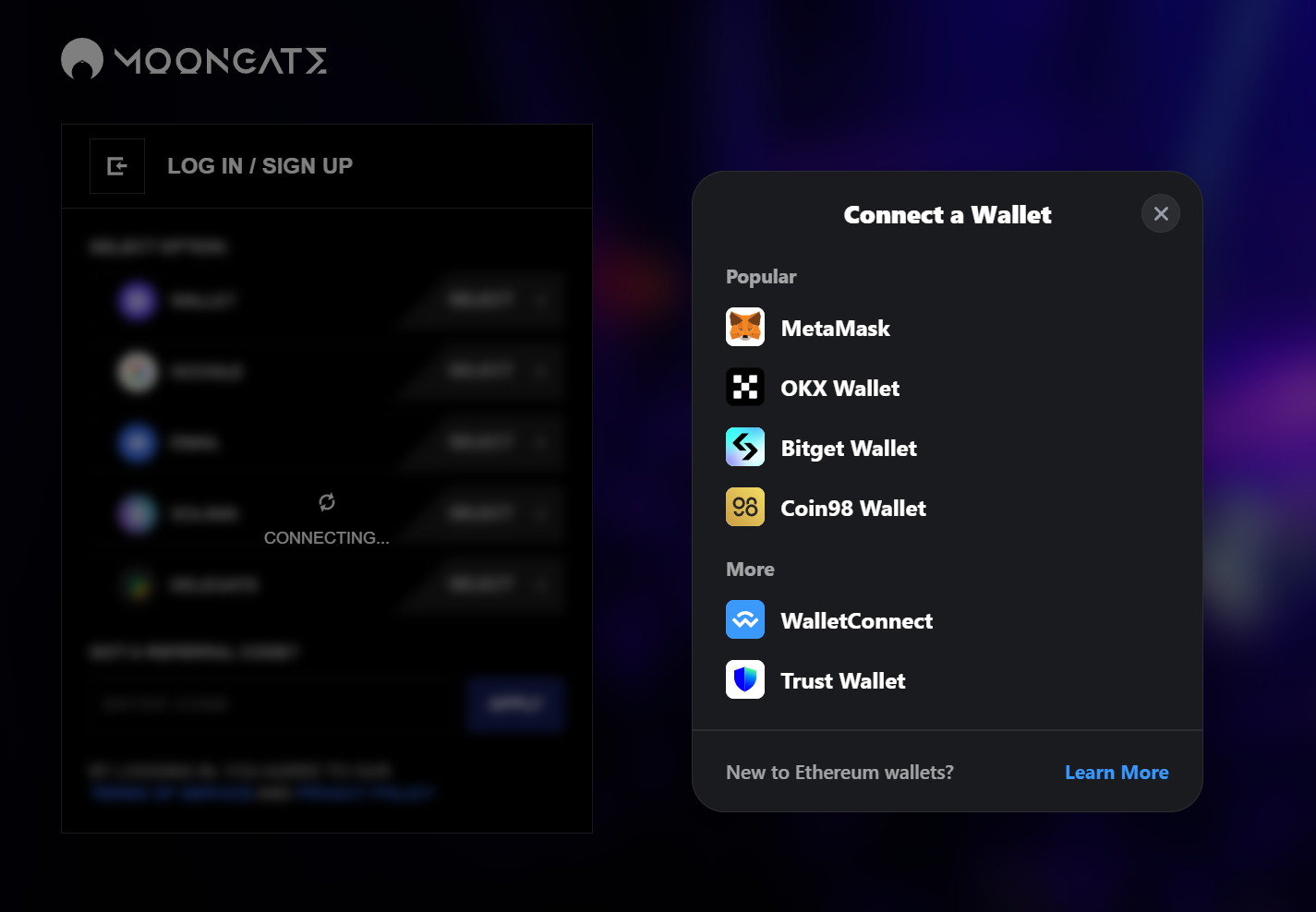
3. **Select your wallet provider**
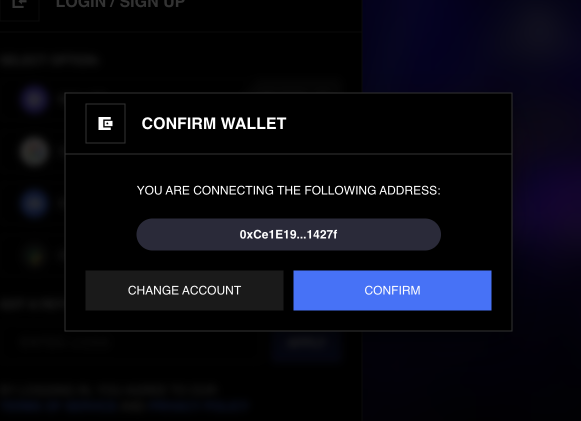
4. **Log into and connect your wallet to Moongate**\
\
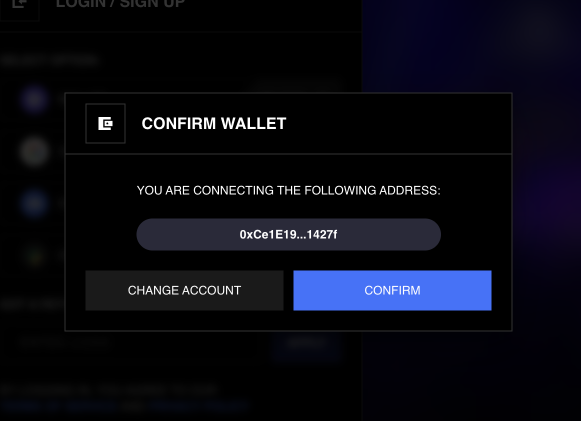
Confirm that you are connecting to the desired wallet.
Follow the subsequent login instructions from your wallet provider to connect Moongate to your wallet.
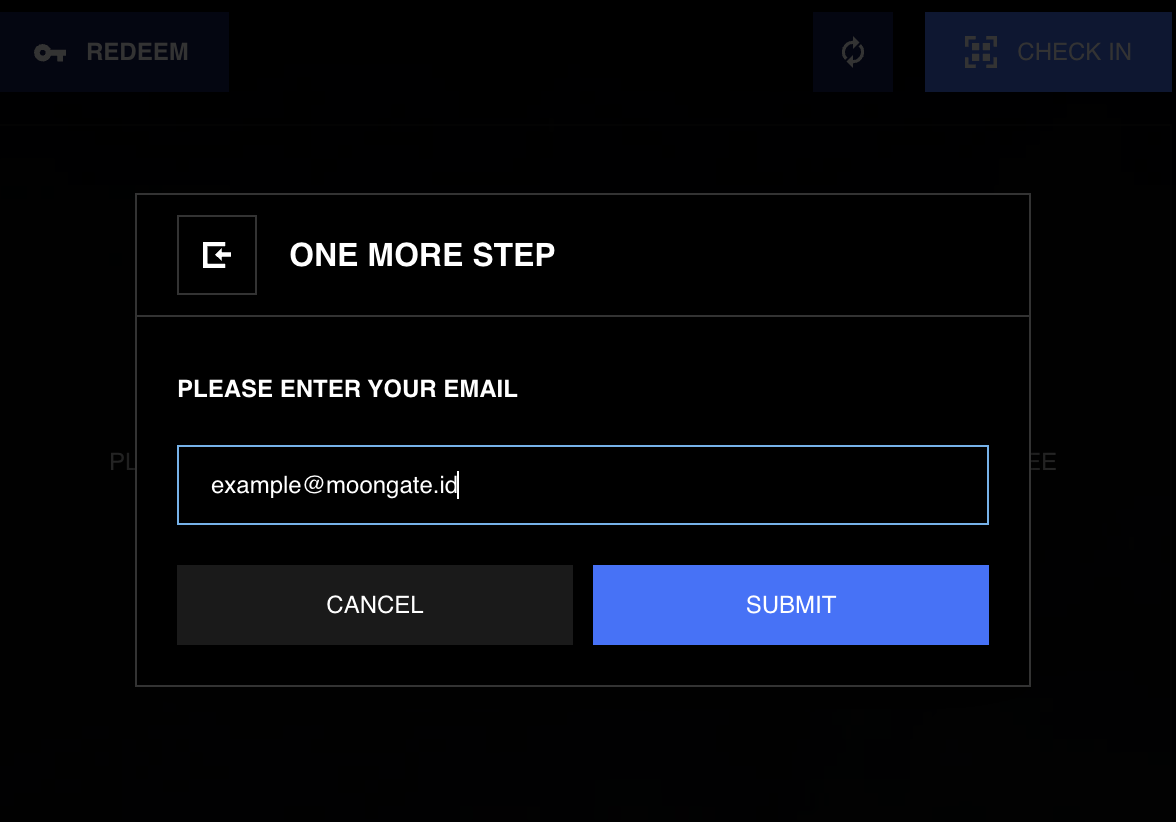
5. **Enter your email address**\
\
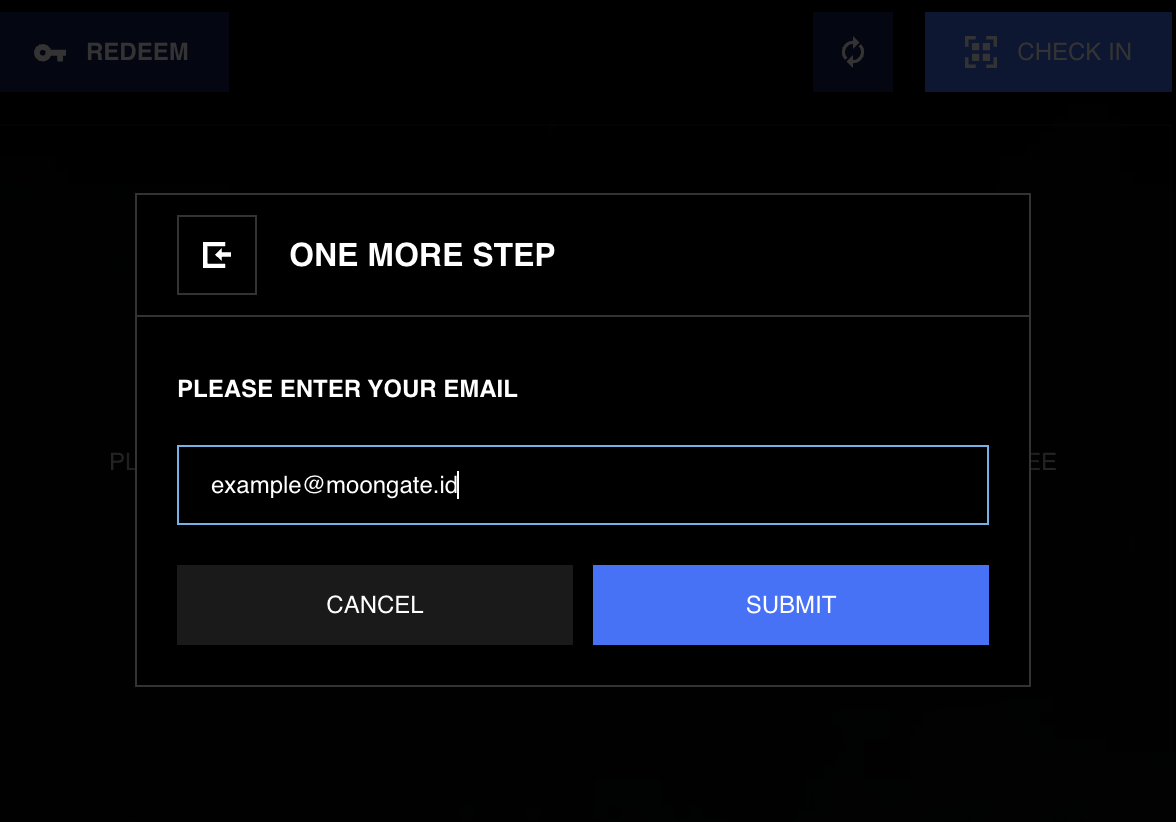
Enter your email address on Moongate when prompted. **You will use this email address to sign into Moongate in the future** (see the “Email Login” tab on this page).
{% hint style="info" %}
To connect your existing wallet to your existing Moongate account, see the [Managing Your Wallet](https://moongate.gitbook.io/help/moongate-user-guide/managing-your-wallet) section.
{% endhint %}
{% endtab %}
{% tab title="Delegate Cash" %}
1. **Open the Moongate login/account creation page**\
\
[**https://app.moongate.id**](https://app.moongate.id/)
2. **Select 'Delegate'**
3. **Select your wallet provider**
4. **Log into and connect your wallet to Moongate**\
\
Confirm that you are connecting to the desired wallet.
Follow the subsequent login instructions from your wallet provider to connect Moongate to your wallet.
5. **Enter your email address**\
\
Enter your email address on Moongate when prompted. **You will use this email address to sign into Moongate in the future** (see the “Email Login” tab on this page).