# How to Install Our App
{% tabs %}
{% tab title="Desktop" %}
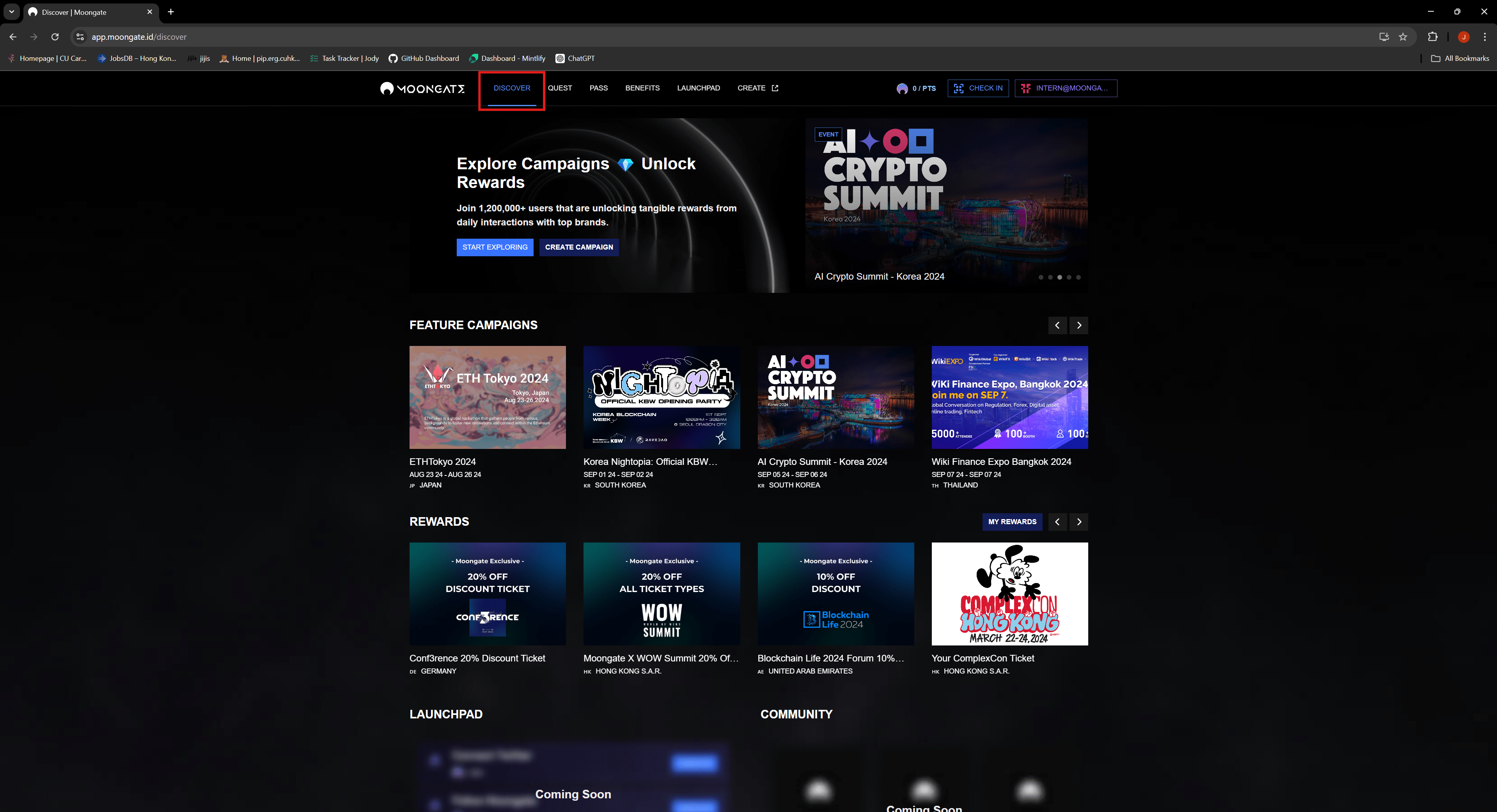
1. **Navigate to Moongate Discover Page**
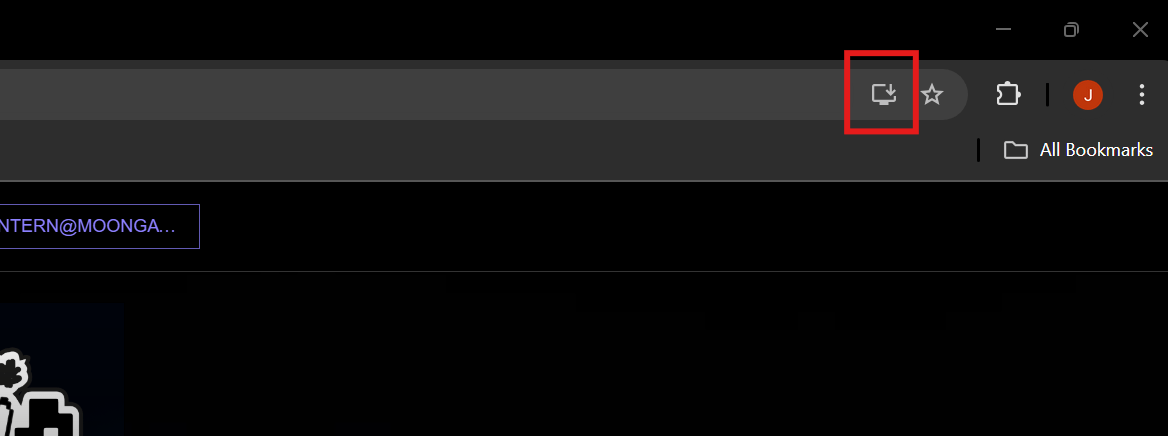
2. **Click the Install button at the top right of the Chrome browser.**
3. **A modal will appear to install the app**
{% endtab %}
{% tab title="Mobile" %}
1. **Navigate to Moongate Discover Page**
2. **Scroll down until you can find the 'Install App' Button**
3. **Follow the instructions as labeled after clicking the button.**
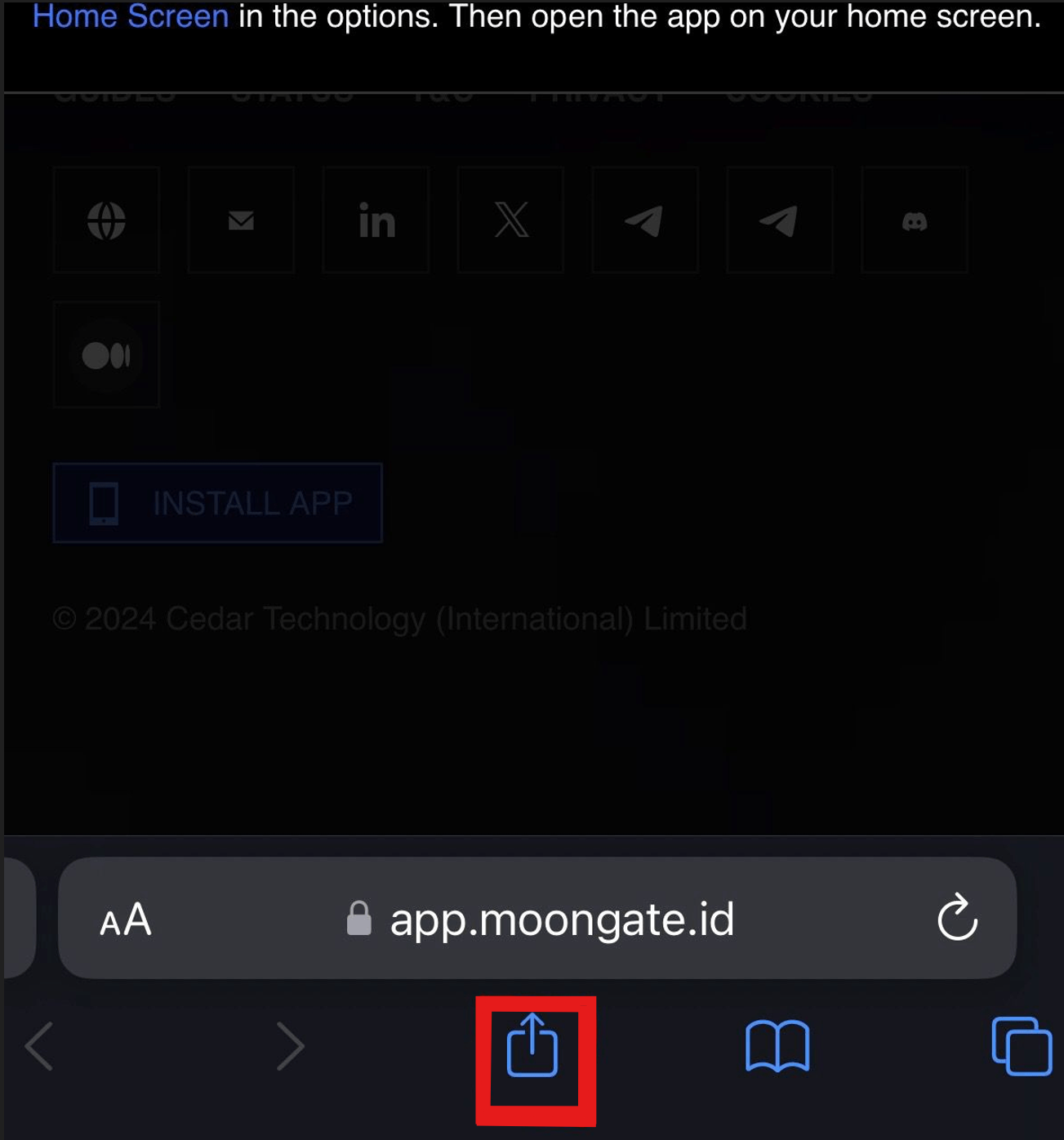
4. **Click on the Share Icon at the bottom**
5. **Click 'Add' button**
6. **Moongate app will be added to your mobile home screen.**